How to Update GB WhatsApp APK
Keeping an app updated can provide bug fixes, interface improvements, and compatibility changes. GB WhatsApp APK is a modified version of WhatsApp, so its update process is different from the official WhatsApp application and may depend on the specific version you use.
Before updating, it is important to protect your chats and understand that unofficial WhatsApp modifications are not officially supported.
Why Update GB WhatsApp?
Users may look for a newer GB WhatsApp version because they want:
- New customization options
- Improved interface features
- Bug fixes
- Better compatibility with newer Android versions
- Updated privacy settings
- Improved performance
However, a newer version does not automatically mean that it is safer. Third-party APK files can carry additional security risks, so users should be careful about what they install.
Things to Do Before Updating
Before changing your GB WhatsApp version, create a local chat backup if the app provides that option. Make sure important photos, videos, documents, and conversations are also stored somewhere you can access if the update fails.
You should also check that your phone has enough free storage and that the new version is compatible with your Android device.
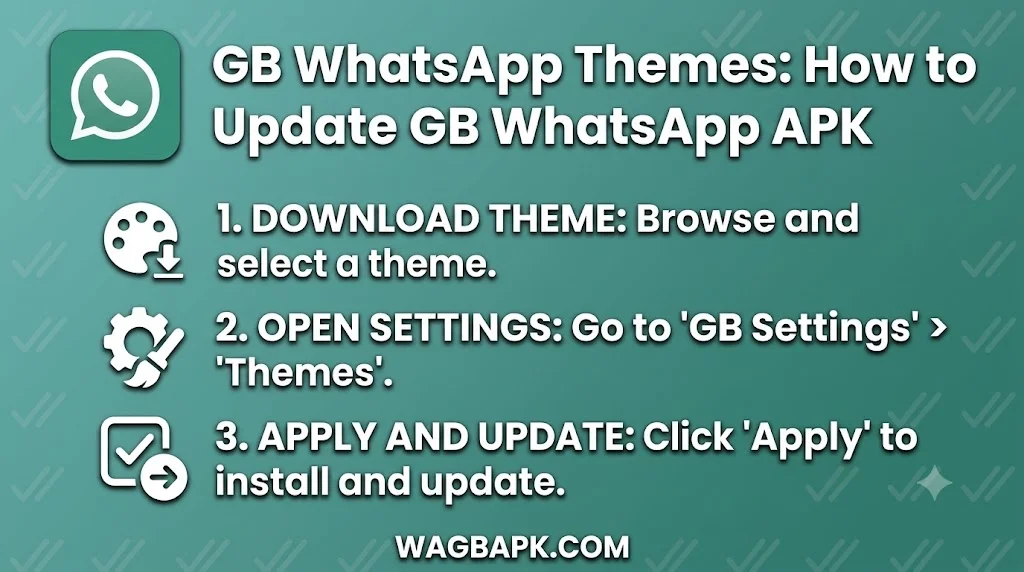
How to Update GB WhatsApp APK
The exact update procedure can vary because GB WhatsApp is not an official WhatsApp application. In general, users should follow the update instructions provided by the developer of the particular version they already use.
1. Check Your Current Version
Open GB WhatsApp and look inside its settings or app information to find the currently installed version.
Knowing your existing version helps you determine whether an available update is actually newer.
2. Back Up Important Chats
Use the available backup feature before making any changes. A backup gives you an additional way to recover important information if the update causes compatibility problems.
Do not assume that every GB WhatsApp version will successfully restore backups created by another modified version.
3. Check Compatibility
Before installing an update, check whether it supports your Android version and device. Different GB WhatsApp releases may have different requirements.
If an update causes installation or verification problems, avoid repeatedly reinstalling different versions.
4. Install the Update Carefully
If you decide to continue using GB WhatsApp, follow the installation instructions associated with your existing version. Avoid unknown or suspicious APK files because unofficial applications may contain unwanted or harmful software.
Android and Google security features can warn users about potentially harmful applications, and modified software can have fewer security protections than software distributed through official channels.
5. Open the Updated App
After installation, open GB WhatsApp and check whether your chats, media, notifications, and customization settings are working correctly.
If your conversations are missing, stop making further changes until you have checked whether a usable backup is available.
What If GB WhatsApp Cannot Be Updated?
An update may fail because of incompatible versions, insufficient storage, installation conflicts, or problems with the APK itself.
If the update fails, do not immediately delete the existing application if you have important chats stored locally. First make sure you have a usable backup.
Is Updating GB WhatsApp Safe?
There is no guarantee that a third-party GB WhatsApp update is safe. GB WhatsApp is not an official WhatsApp product, and modified applications can introduce security, privacy, compatibility, and account-related risks.
For accounts containing important personal information, the official WhatsApp application provides a more supported and predictable update process.
GB WhatsApp Update vs Official WhatsApp Update
| Feature | GB WhatsApp | Official WhatsApp |
|---|---|---|
| Officially supported | No | Yes |
| Update method | Depends on version | Official app stores |
| Automatic updates | Usually unavailable | Supported |
| Backup compatibility | Can vary | More predictable |
| Security verification | Depends on APK source | Official distribution channels |
| Account risk | May be higher | Lower from using an unofficial modification |
Common GB WhatsApp Update Problems
Installation Error
An installation error can occur when the new release is incompatible with the existing installation or Android version.
App Crashes After Updating
If the updated application repeatedly crashes, the new version may have compatibility problems with your device.
Chats Are Missing
This can happen when a backup is unavailable or incompatible with the newly installed version. Always create a backup before making an update.
Verification Problems
Modified WhatsApp applications can experience verification or account-related problems because they are not official WhatsApp clients.
Security Warnings
Android or Google security features may identify an unofficial APK as potentially unsafe. Such warnings should be taken seriously rather than bypassed.
Frequently Asked Questions
How often should I update GB WhatsApp?
There is no universal update schedule because GB WhatsApp is a third-party modification. Check the version information and compatibility before making any change.
Will updating GB WhatsApp delete my chats?
An update should not automatically mean that your chats are deleted, but problems can occur during installation. Always create a backup before updating.
Can I update GB WhatsApp automatically?
Automatic updates are generally associated with official app distribution. GB WhatsApp updates may require a different process depending on the version.
Why is my new GB WhatsApp version not working?
The new version may be incompatible with your Android device, have installation problems, or have verification issues. Check your backup before attempting further changes.
Is GB WhatsApp officially supported?
No. GB WhatsApp is a modified third-party application rather than an official WhatsApp product. This means there can be additional security and compatibility concerns.
Final Thoughts
Updating GB WhatsApp APK requires more care than updating an official application. Before making any change, back up important chats, check compatibility, and be cautious with unofficial APK files.
Because modified WhatsApp applications are not officially supported, users should understand the potential privacy, security, compatibility, and account risks. For the most reliable update experience, using the official WhatsApp application is the safer option.